







A huge part of building trust on your website comes down to your photos. Professional branding images don’t just make your site look better—they help tell your story and create connection before a single word is read.
Your Branding Photos Shouldn’t Just Look Good—They Should Work
You can’t afford to overlook your branding photos—because they’re doing more of the trust-building work than you think.
Most business owners invest in branding photography… then end up with hundreds of beautiful images they don’t know how to use.
So they:
- Pick their favorites
- Upload a few randomly
- Hope it “looks good”
But here’s the problem:
Your website doesn’t need more photos—it needs the right ones doing the right job.
Just like your messaging, your images should work for you—not just fill space.
Like I always say, your website isn’t about you.
And the same is true for your photos—it’s not about your favorites. It’s about what resonates with your ideal clients.
Where Branding Photos Actually Fit In
When I build a website, everything is guided by three things:
Story. Style. Strategy.
Your photos play a role in all three—they’re not just visual, they’re functional.
- Story → What are we communicating?
- Style → How does it feel?
- Strategy → Where and why is each image used?
When these align, your website feels:
- Clear
- Credible
- Easy to connect with
When they don’t, even beautiful images fall flat.
The 10 Photo Scenes Your Website Actually Needs
Here are the 10 types of images I look for when building a service-based website—and what each one is doing behind the scenes.
1. The Primary Headshot (Credibility)
Your most polished, professional image. This builds trust immediately and is often placed near the top of your site or in key trust-building sections.
2. The Secondary Headshot (Approachability)
A little more relaxed. A little more you. This helps your brand feel human, not just professional.
3. The Hero Image (Aspirational)
This is the image at the top of your homepage. It should reflect how your client wants to feel: calm, confident, and clear. It sets the tone in seconds.
4. You “In Action” (Doing the Work)
You on a call, writing, reviewing, or engaged in your process. This reinforces that your work is real and builds credibility without saying a word.
5. The Client Experience (Real or Implied)
Even if you don’t have clients in your photos, this can still be implied:
- You on a laptop
- Engaged in conversation
- Listening and responding
This helps your audience see themselves in the process.
6. The Process (Behind-the-Scenes)
Planning, reviewing, and mapping things out. These images show what it’s like to work with you and build trust through transparency.
7. The Authority Shot (Guide Position)
You leading, explaining, or teaching. This reinforces your role as the guide—not just someone offering a service.
8. The Environment (Your Space)
Your workspace adds context. It shapes how your brand feels and helps create visual flow throughout your site.
9. Detail Shots (Design Support)
Close-ups of hands, tools, materials, or workspace elements. These images help:
- Break up content
- Add visual interest
- Support the overall design system
10. The Outcome (Emotion)
This is the result your client is really looking for:
- Relief
- Clarity
- Confidence
This completes the story your website is telling.
Why This Matters More Than You Think
Most websites don’t struggle because they lack good photos.
They struggle because:
The photos weren’t chosen with intention—or used strategically.
When your images align with your story, style, and strategy, your website becomes:
- Easier to understand
- Easier to trust
- Easier to say yes to
Good photos make your website look good.
The right photos make your website work.
Where It All Comes Together
Branding photos are just one piece—but they’re a powerful one.
That’s why, when we work together, I make sure every piece of your website, including your photos, is working together to support the bigger picture.
After our clarity session, if branding photos are your next step, I’ll create a custom scene checklist tailored to your ideal clients—so your photos don’t just look good, they help your website work.
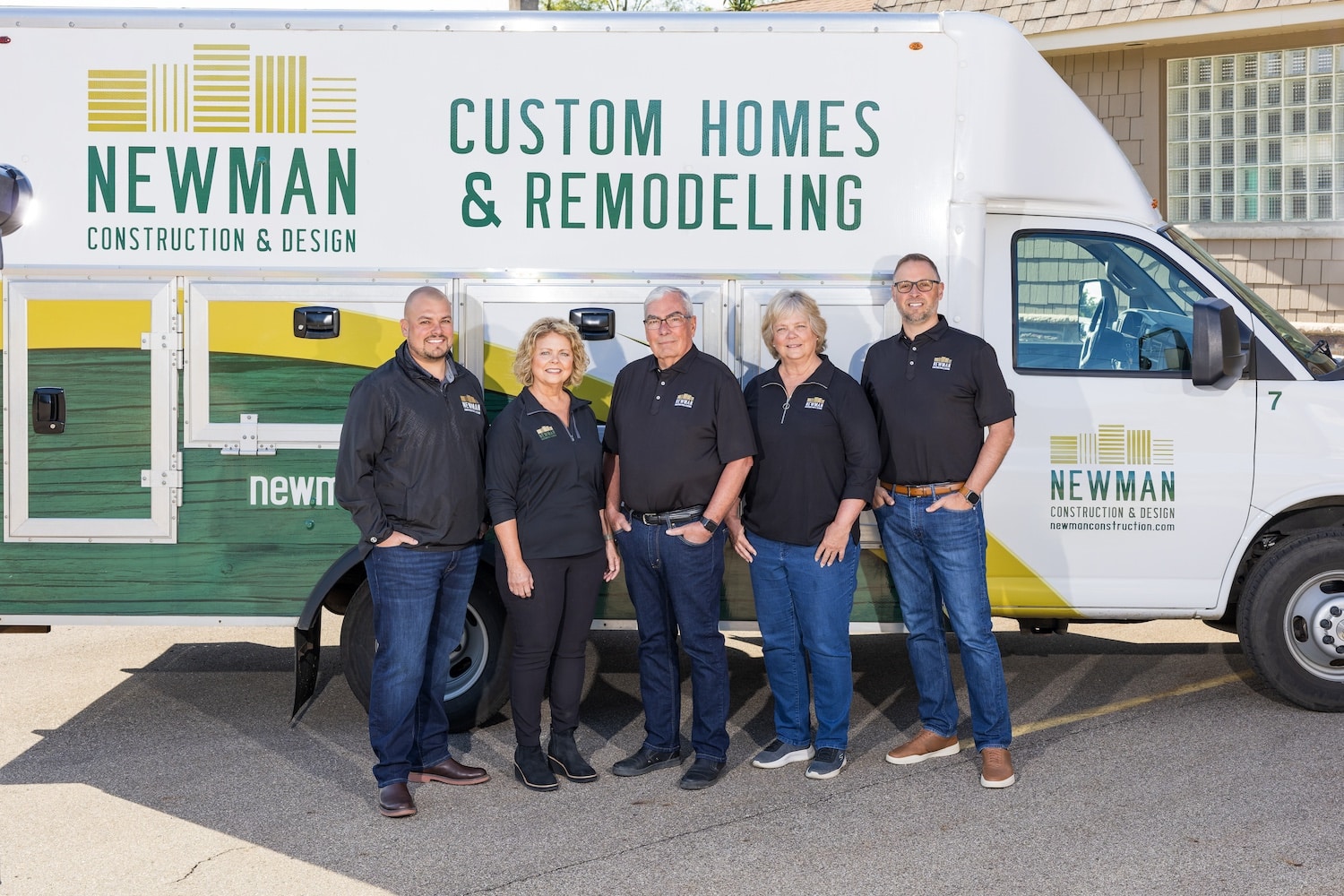
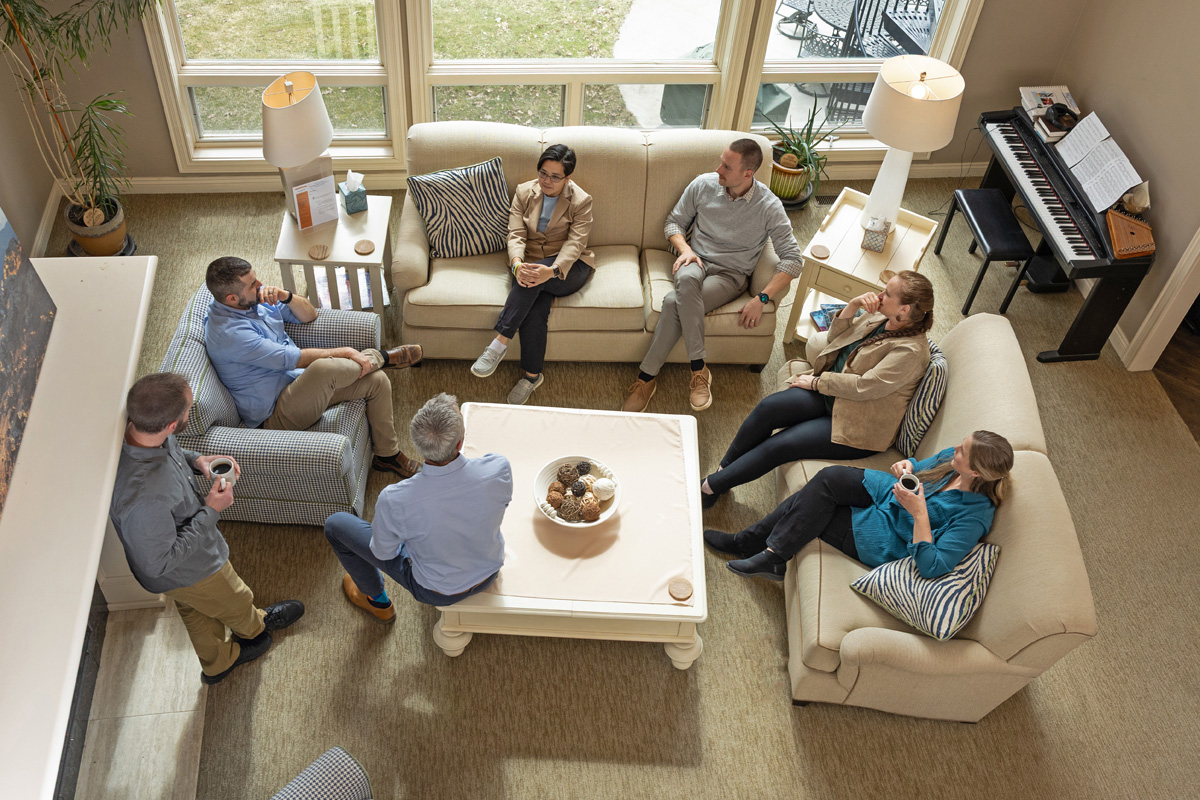
Below are some branding photos* I have incorporated into my clients’ websites:
- Jodi Noble
- Newman Construction
- Alongside
- Design Quality Services
- Carey, Kirk, Webster, Kihm
- Woodsmiths Custom Millwork
*All photos taken by our branding photography partner, Jayme Isham from Grace Photography. 🙂
Final Thought
Before you upload another image, ask: “What is this photo doing for me?”
If it’s not reinforcing your message, your brand feel, or your strategy… You probably don’t need it.